Voice Conversation History
Druid provides comprehensive visibility into your voice interactions, allowing you to review text transcripts, listen to call audio recordings, and analyze operational metrics like latency directly from the Druid Portal
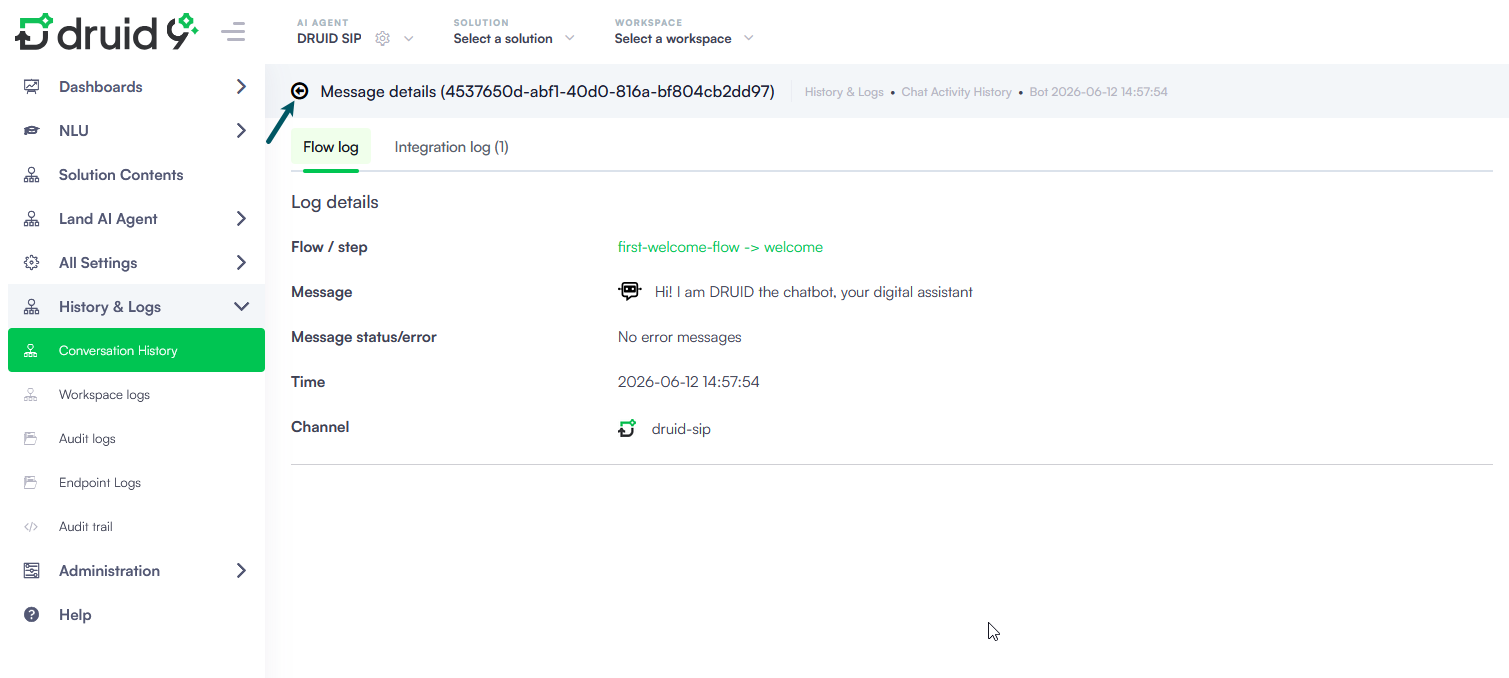
Access the Conversation Transcript
To view the history of a voice interaction handled by your AI Agent:
- Navigate to History & Logs > Conversation History.
- Select the specific call session you want to review from the chat activity history list.
- Click the Chat Activity History icon.
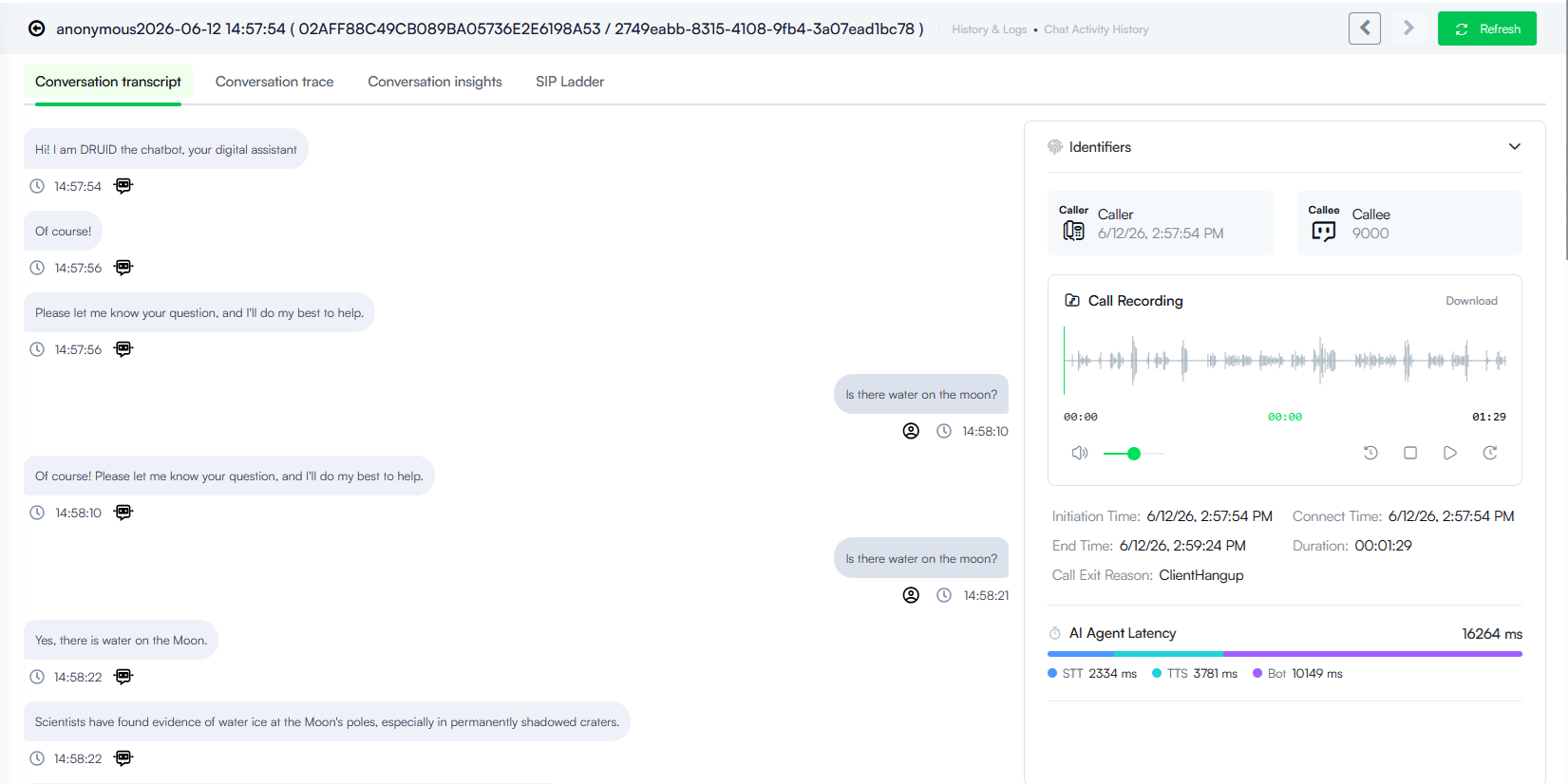
- The voice interaction displays on the Conversation Transcript tab that provides you with detailed information to help you analyze the voice interaction.
Conversation Transcript
The Conversation Transcript displays a chronological text log of the exchange between the caller and the AI Agent.
- Timestamp: Every message block includes a clear time marker indicating exactly when the speech was captured or synthesized.
- Speaker Icons: User speech bubbles and AI Agent response bubbles are explicitly marked with distinct user and bot icons to quickly isolate speaker turns.
Automatic Conversation Ended Event
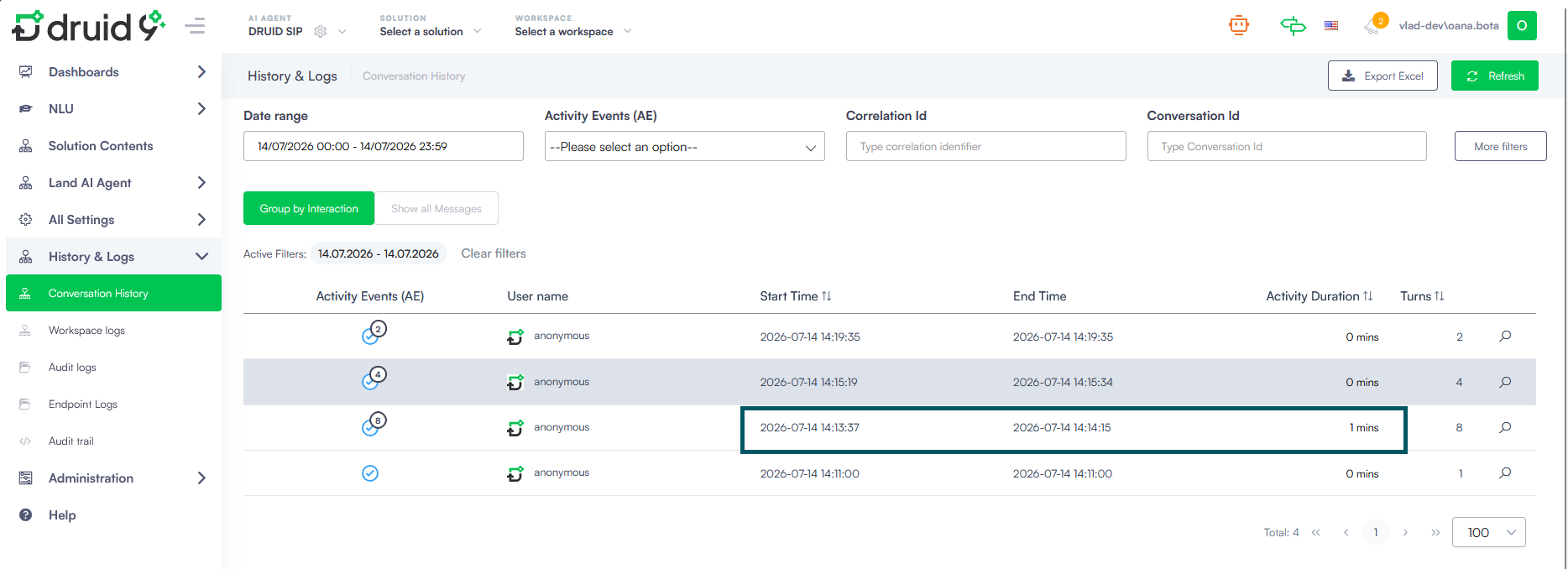
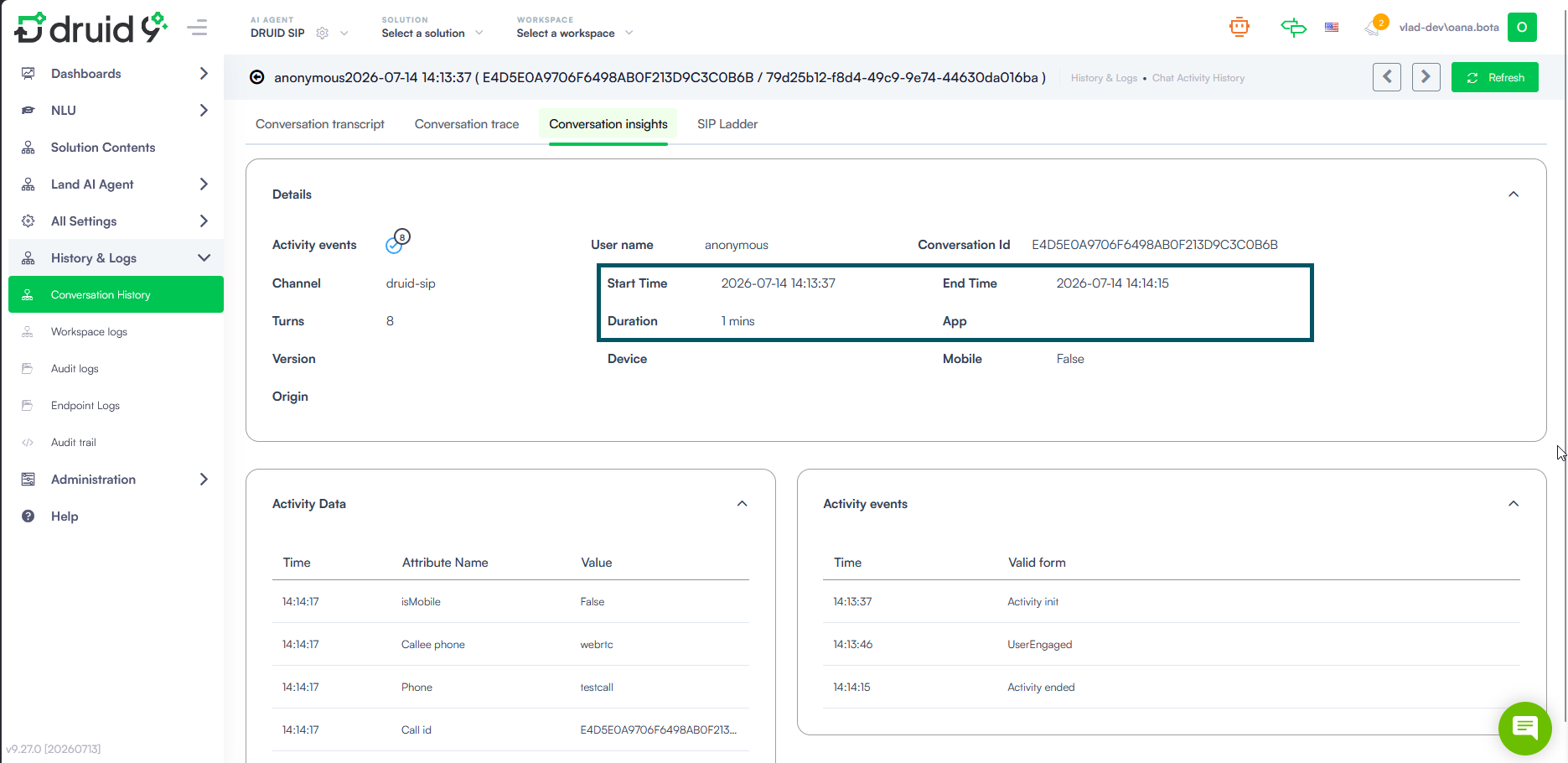
To ensure easy identification of call duration, the Druid SIP channel automatically saves the ActivityEnd event in the [[ChatActivityData]] to mark a conversation as completed in the system (End Time). This closure is triggered automatically by any of the following events:
- Call Termination. Triggers when a call hangs up. If a Voice Termination Flow is active, the closure is delayed until the flow completes executing under the same activity.
- Hangup Backchannel Event. Triggers when a hangup event is processed via the backchannel.
- Transfer Backchannel Event. Triggers immediately following the successful execution of a call transfer event.
Call Details & Media Panel
The right-hand side panel of the Conversation Transcript offers critical operational metadata and media options unique to voice-enabled sessions:
Identifiers
Displays communication routing handles:
- Caller. Shows the initiation timestamp alongside the caller's telephony identifier.
- Callee. Indicates the target extension, dial-in number, or SIP destination identifier (e.g., 9000) passed to Druid by the incoming telephony provider routing the call.
Call Recording
If audio tracking is active for your SIP configuration, a fully interactive Call Recording media widget is displayed:
- Audio Waveform. Provides a visual representation of the call audio stream to identify periods of speech or silence.
- Media Controls. Features standard playback options including Play/Pause, volume adjustment, and a completion timeline marker.
- Download button. Click Download in the upper right of the card to save a copy of the raw audio file to your local drive.
Call Session Metadata
Provides an audited timeline of connection metrics:
- Initiation Time & Connect Time. Records exactly when the call was initiated and when it successfully connected.
- End Time & Duration. Displays the precise termination timestamp and total active talk time block.
- Call Exit Reason. Details how the session ended (for example, ClientHangup if the caller terminated the connection).
AI Agent Latency Breakdown
Displays a granular, multi-colored performance bar totaling processing latency in milliseconds (ms). It isolates response delays across three milestones:
- STT. The time required to convert incoming user speech into text.
- TTS. The time required to synthesize the bot text back into outbound audio.
- AI Agent. The pure core decision-making and flow-processing duration of the Druid AI Platform engine.