Disabling Flows
Instead of permanently deleting flows that you might need again later, you can disable them. Disabled flows remain saved in your solution but are temporarily prevented from executing.
You can disable flows individually or in bulk.
Disable flows in bulk
Info: This feature is available starting with Druid 9.29.
To disable flows in bulk:
- In the left navigation menu, expand Solution Contents and click Flows.
- Click the checkboxes next to the flows you want to deactivate. Selecting one or more flows displays the bulk action buttons at the top-right of the list view.
- Click the Bulk disable selected flows icon in the action toolbar.
- Confirm that you want to disable the selected flows.
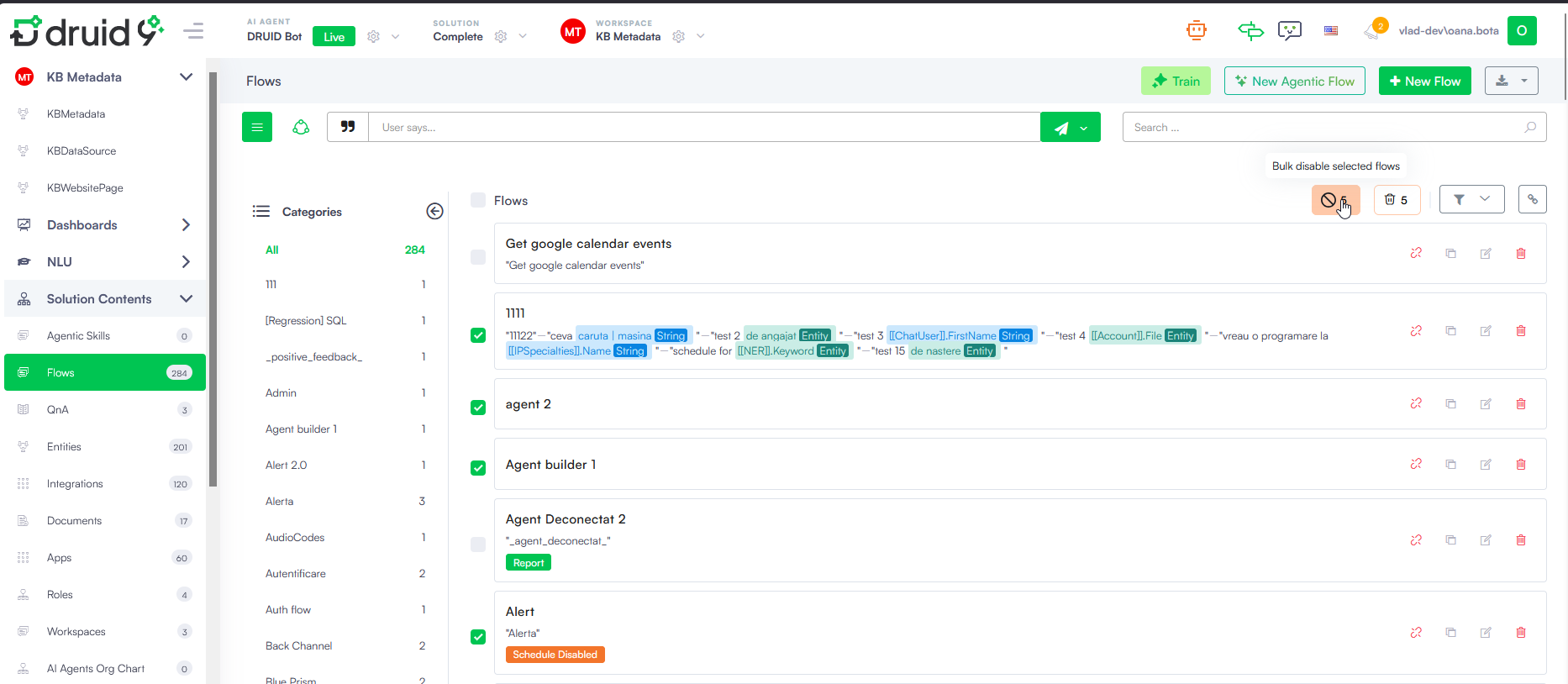
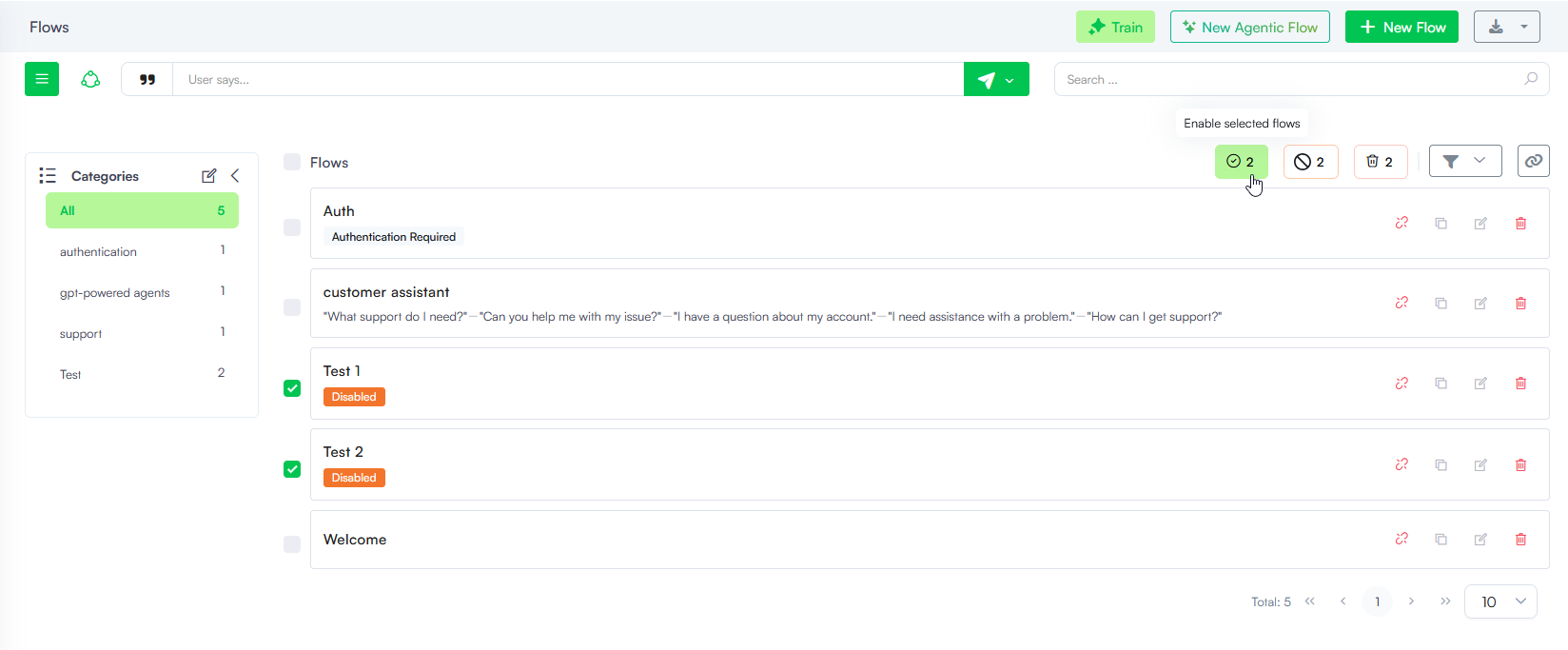
The Disabled badge will appear below the floe name in the Flows page to indicate its inactive status.
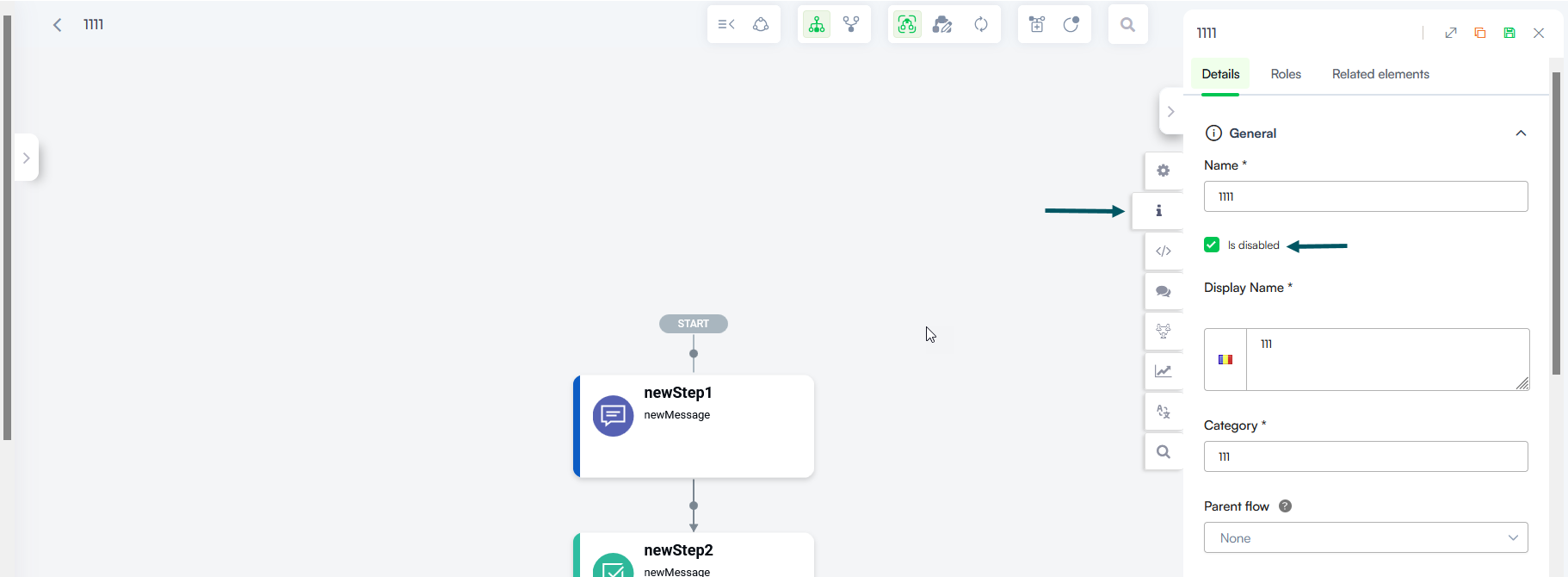
Info: To reactivate a disabled flow at any time, select the flow and in the flow configuration panel, uncheck Is disabled. Starting with Druid 10.0, you can enable in bulk disabled flows.
Disabling an individual flow
To disable a single flow, click on the flow and go to the flow details. Select the Is Disabled checkbox and save the flow.