Take Snapshots
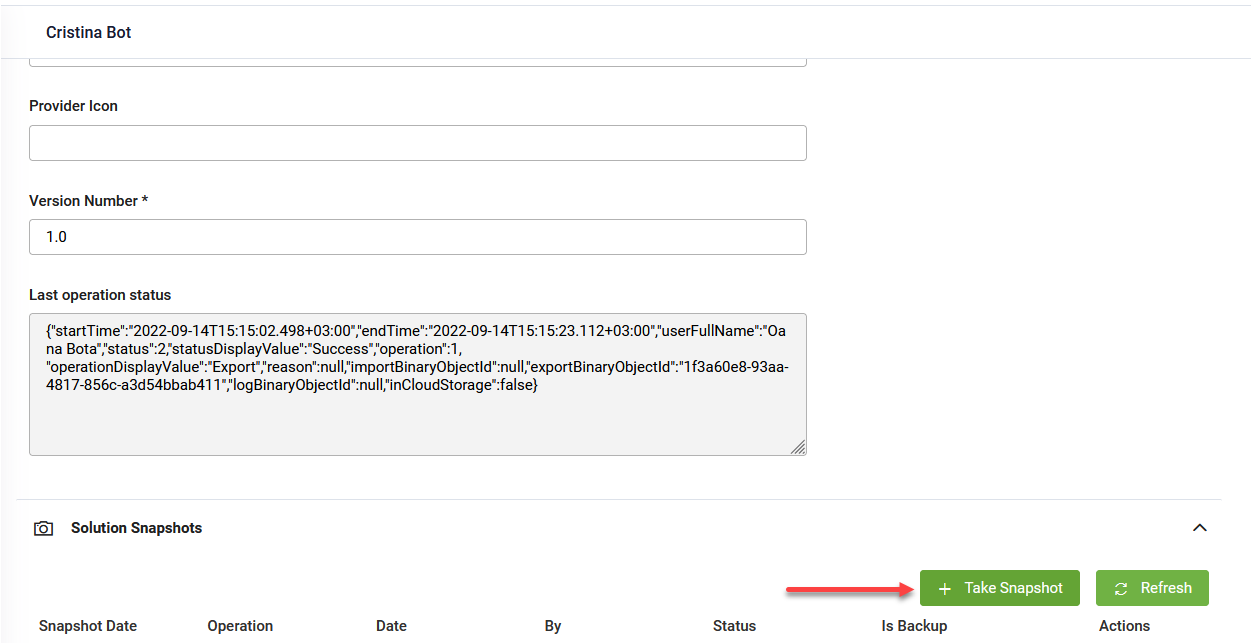
In the Solution configuration page, click the Solution Snapshots section header. The section expands. At the top-right corner of the table, click the Take Snapshot button.
DRUID generates the solution configuration archive (zip file) and saves it in the Druid Portal. The solution snapshot appears in the table.
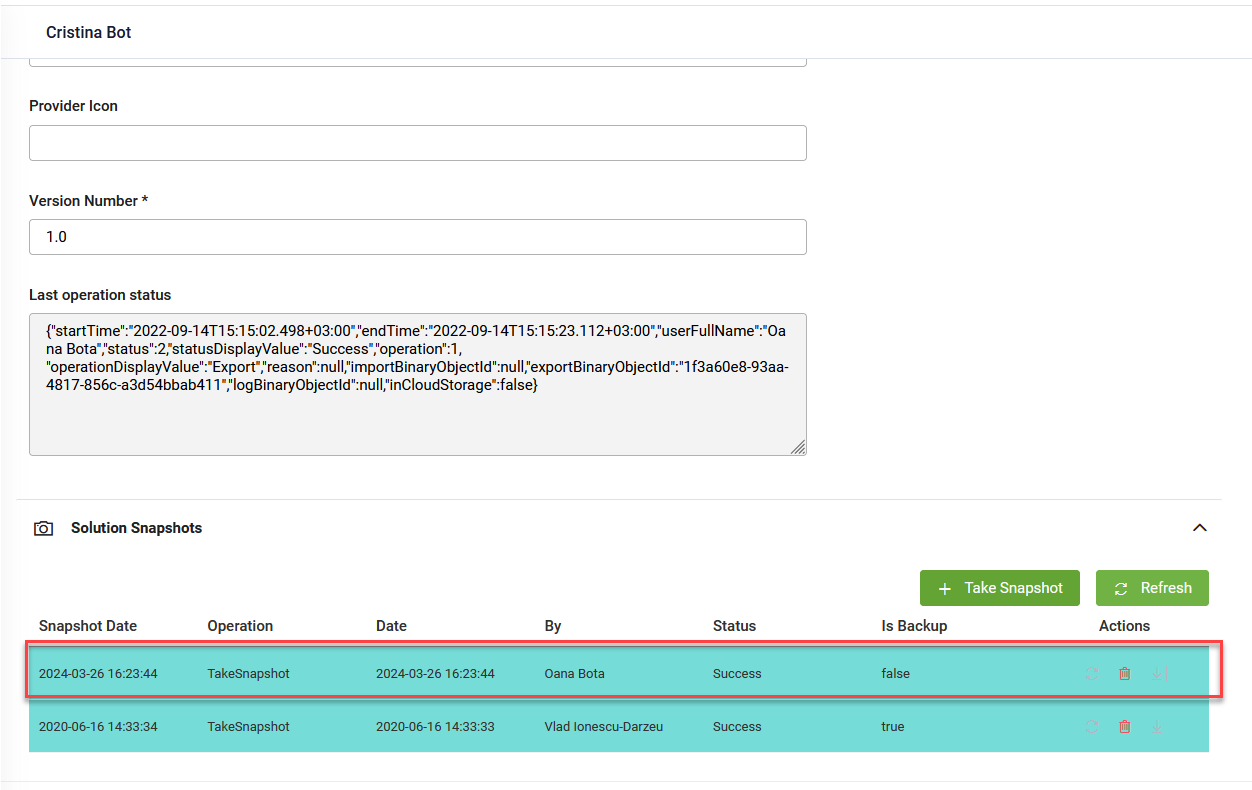
When importing a solution, a snapshot is automatically created and marked as a backup snapshot. When taking solution snapshots, they are not marked as backup snapshots (Is Backup is "false").