Training the Entities and the AI Agent
We created Druid for enterprises and unlike other AI Agent platforms; its entities are business objects with attributes and references, similar to the UiPath Data Service entities.
Train the Entities
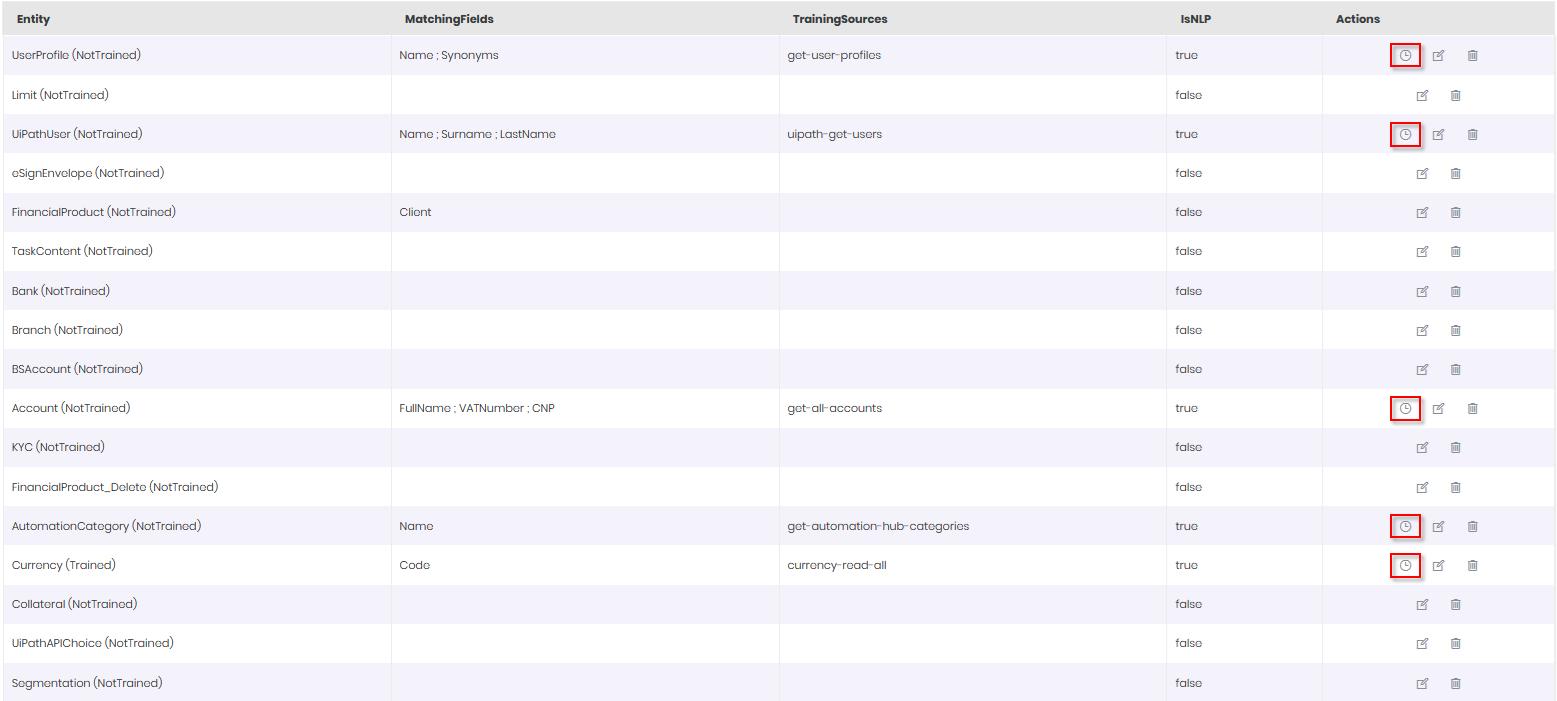
In the AI Agent configuration page, click the Entities tab. Train the LeaveRequest entity, by clicking the Edit Schedule icon displayed in line with the entity.
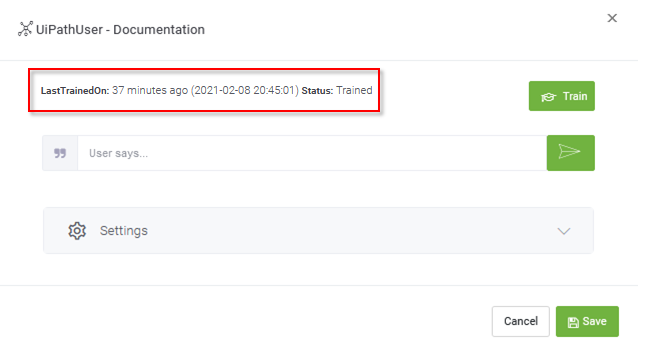
In the pop-up that appears, click the Train button.
After a few seconds, the following train status message should appear in the pop-up:
After you successfully train the entities, click Save button.
Now you can train the AI Agent.
Train the AI Agent
Click the Details tab, and then click the NLP section header. The NLP area expands. Scroll down to the Train area and click the Train button.
