DRUID v9.11
Deployment Dates
The table below lists the deployment date of DRUID v9.11 across DRUID Clouds. To view the DRUID Releases Calendar, see Druid Releases.
|
Druid Cloud Community *.community.Druidplatform.com |
Druid Cloud US *.us.Druidplatform.com |
Druid Cloud Australia *au.Druidplatform.com |
Druid Cloud West-Europe (PROD) *.Druidplatform.com |
|---|---|---|---|
| December 04, 2025 | December 18, 2025 | December 18, 2025 | December 18, 2025 |
These release notes give you a brief, high-level description of the improvements implemented to existing features.
If you have questions about your DRUID tenant, please contact support@Druidai.com or your local DRUID partner for more information.
- Druid Data Service – DATEDIFF Function in Custom Queries.
Data Service - Web views and forms improvements
Bug fixes
What's New
- LLM Response Streaming (Technology Preview). We introduced LLM response streaming, which delivers model output token by token, significantly improving perceived speed and creating a more natural conversational flow. This feature is currently optimized for voice interactions, where early partial responses enhance responsiveness.
LLM streaming is available through the new internal action LlmStreamer, which replaces standard LLM integrations in your Agent Steps and Agent Builder configurations.
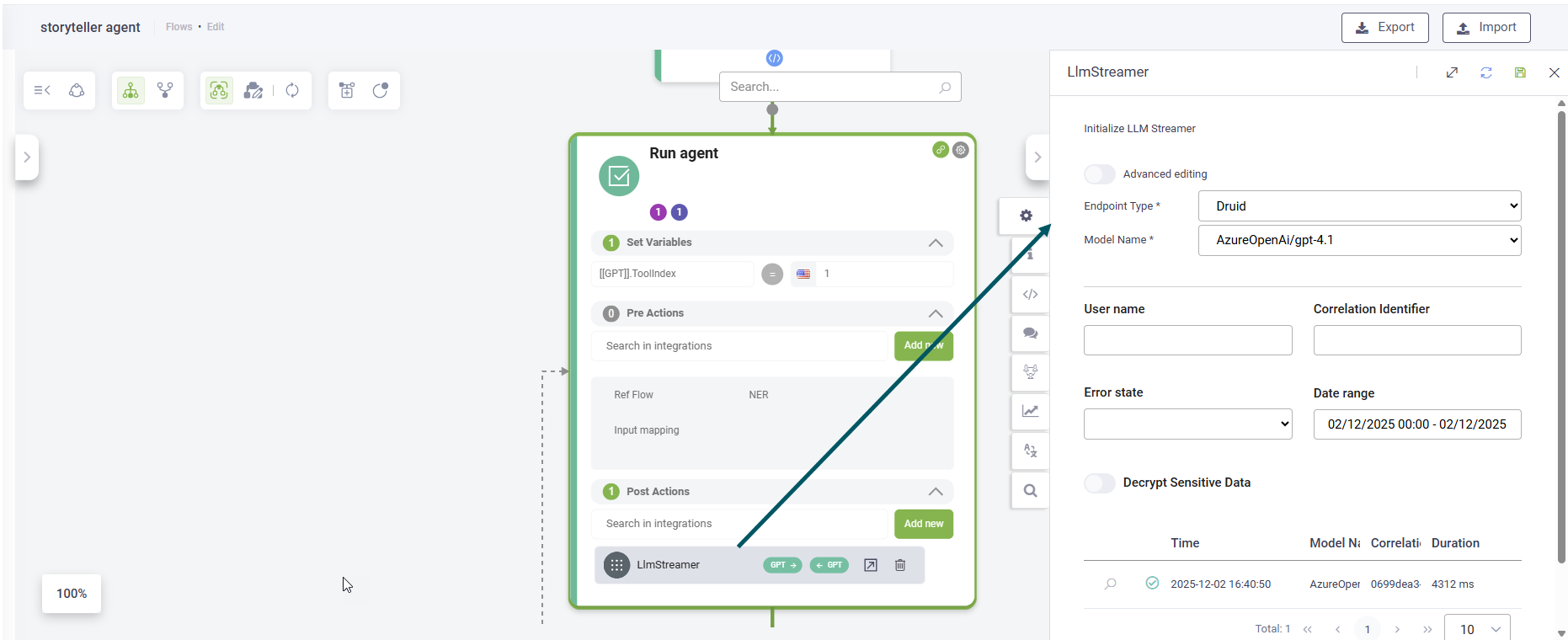
For more information, see Use LLM Response Streaming for Voice Interactions.
Improvements
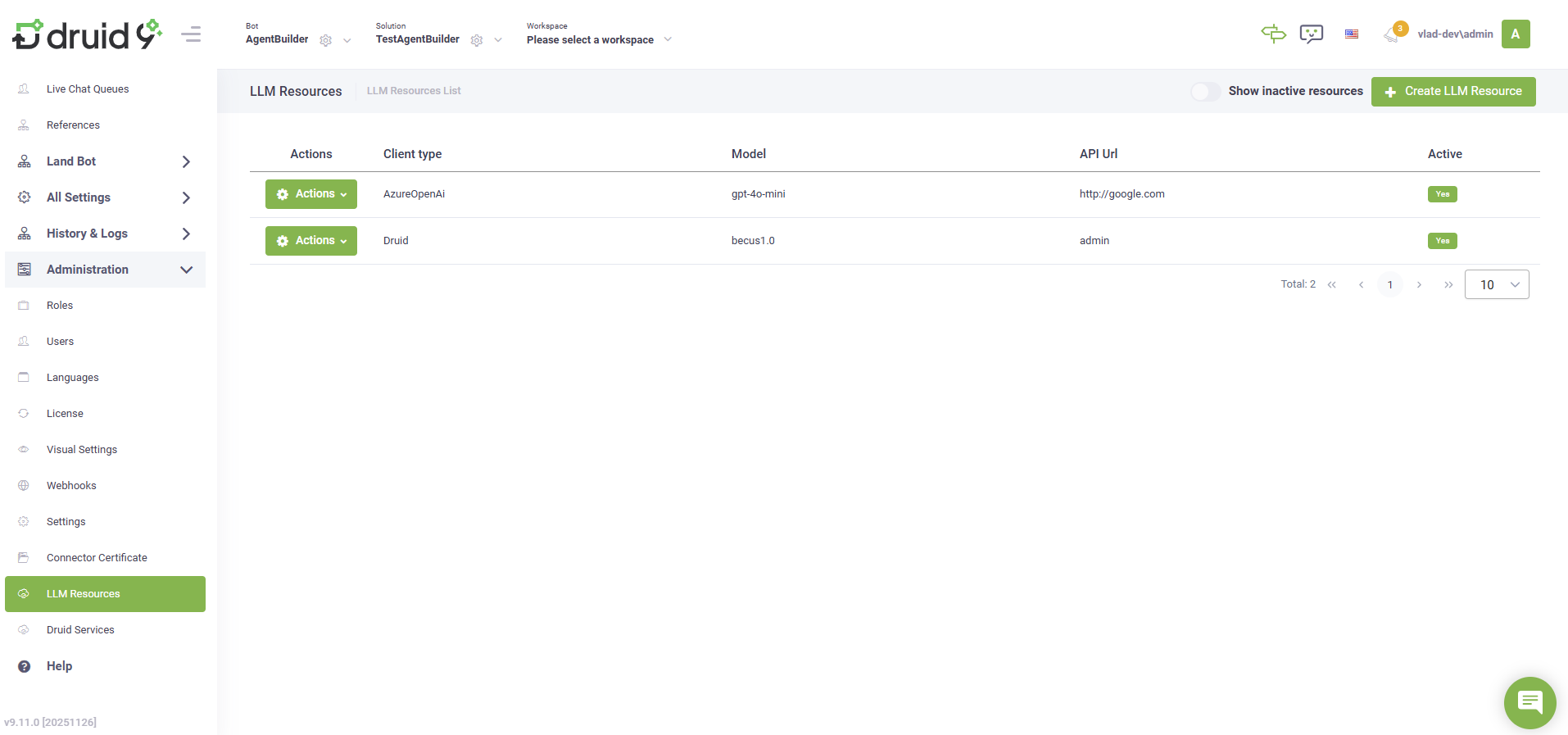
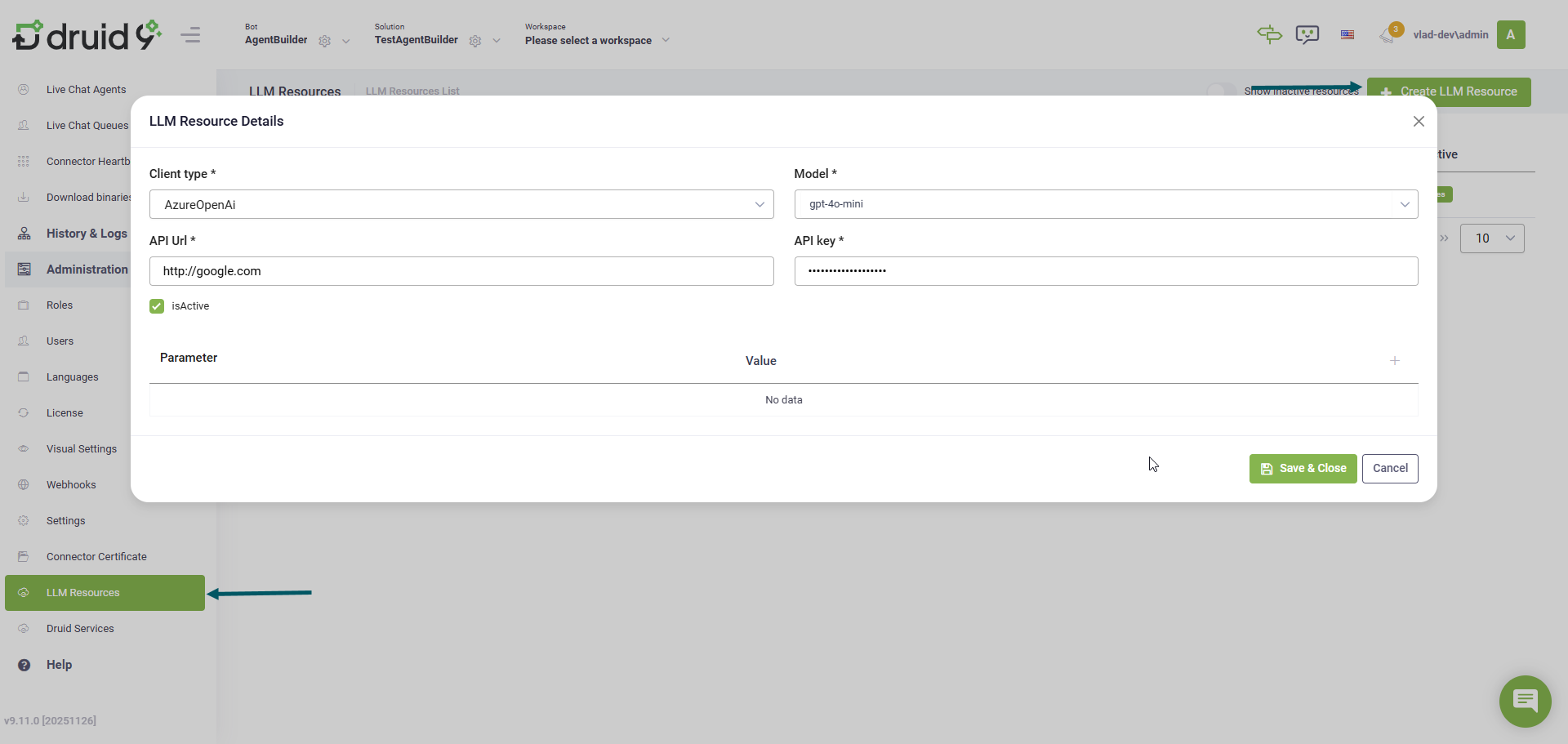
- Centralized LLM Resources. We added a new LLM Resources section under Administration. This feature provides a single, central place to configure and manage all your Large Language Model (LLM) service connections (API URLs and keys), enabling consistent reuse across features such as LLM NLU, machine translation, and response streaming.
- Outlook channel. The Outlook channel has been significantly updated to provide authors with more control over email conversation flow and email data manipulation:
- Reply behavior: Choose whether the AI Agent replies to the sender only or to all recipients.
- Forwarding: Forward the original email to specific recipients.
- Move messages: Automatically move emails from the Inbox to any Outlook folder.
- Extended email metadata: Access the email’s metadata for external views, forms, and Graph API integrations.
- AI Agent model retraining indicator. The “AI Agent model requires retrain” alert in the portal header is also triggered when:
- You add new training phrases in Prompt or Choice steps that use input mapping.
- You import a solution that includes flows with existing training phrases.
- KB - Video Transcript Extraction for Shared Drive and File Repository. Video transcript extraction is now supported for Shared Drive and File Repository data sources.
- Druid Data Service – DATEDIFF Function in Custom Queries. This new function enables users to calculate the difference between two date/time columns, returning the result in a specified time unit. This simplifies time-series analysis and reporting by allowing you to calculate and filter by key business durations directly in custom queries. This is helpful for analyzing order trends over time, identifying seasonal patterns, or creating monthly order distribution reports.
- Data Service - Web views and forms. This release introduces two improvements to web views and forms:
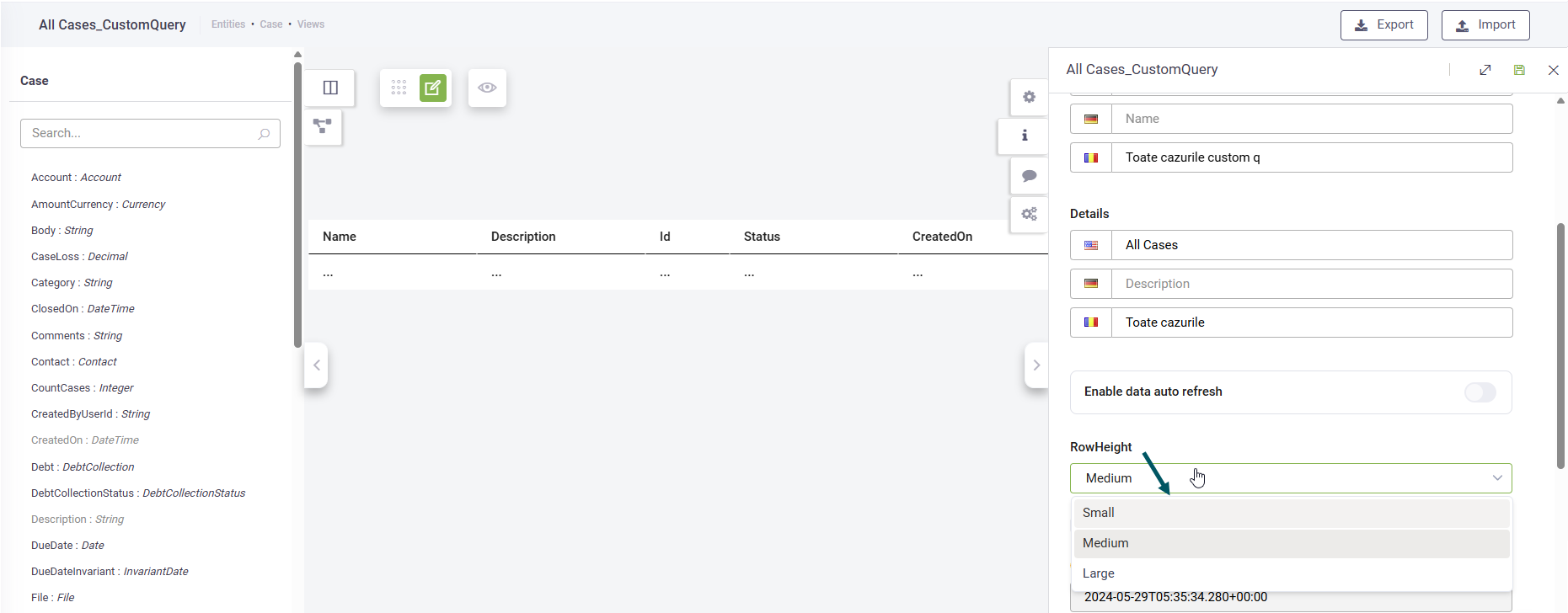
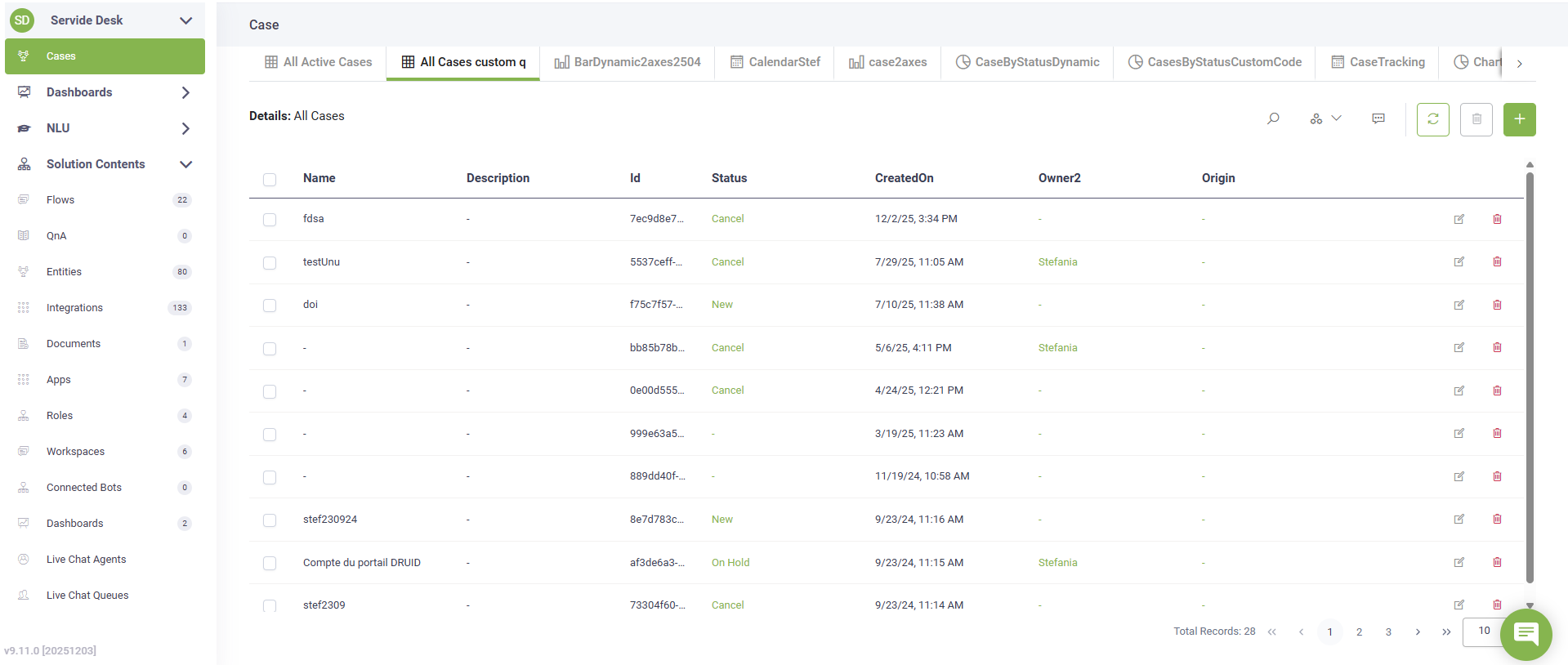
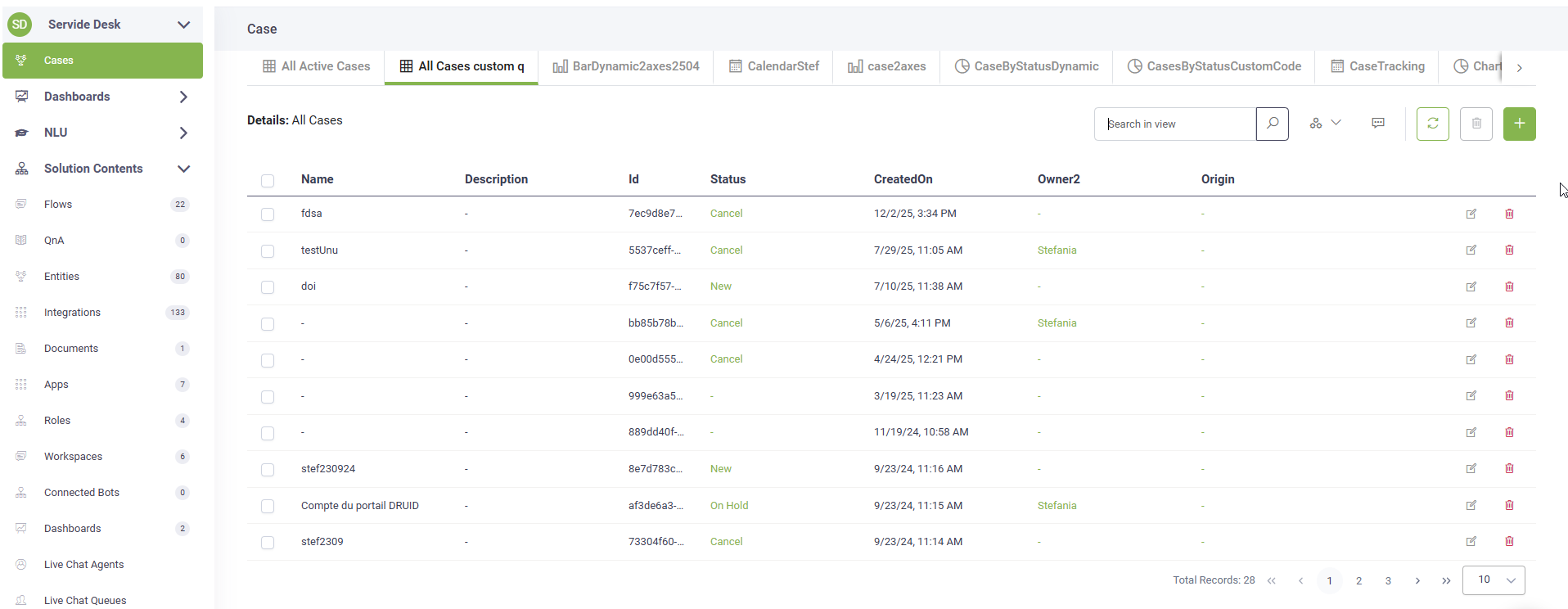
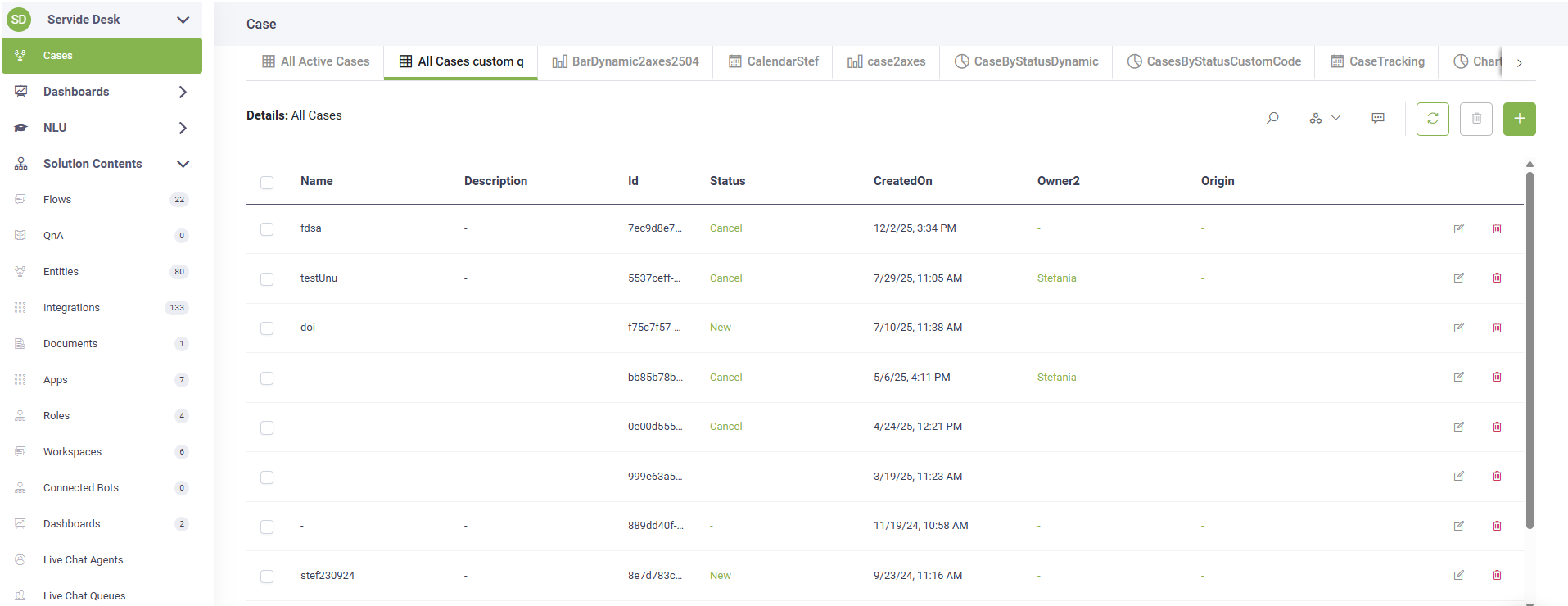
- Set row height in views. Choose between Small, Medium, or High row height options. The default is Medium.
- Boolean field default values: Boolean-type fields are now set to False by default when no value is specified.
- Dashboards - light widgets. You can now display view names on dashboards for light widgets.
For more information, see Outlook Channel.

These updates help you quickly identify when your AI Agent model needs retraining after changes or imports.
For more information, see Extracting Data from Video Files.
Medium row height
Small row height
High row height
In forms
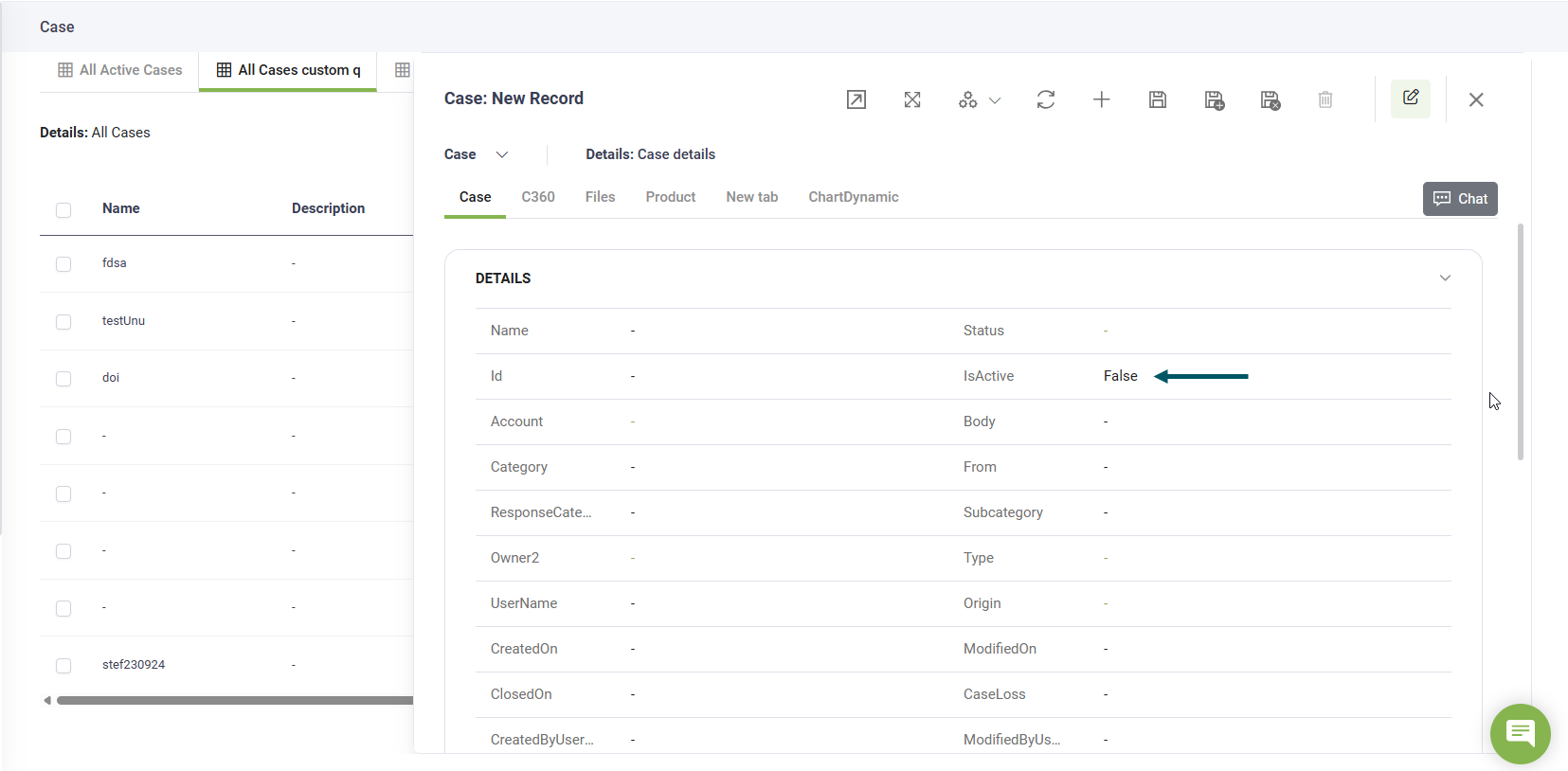
In web views
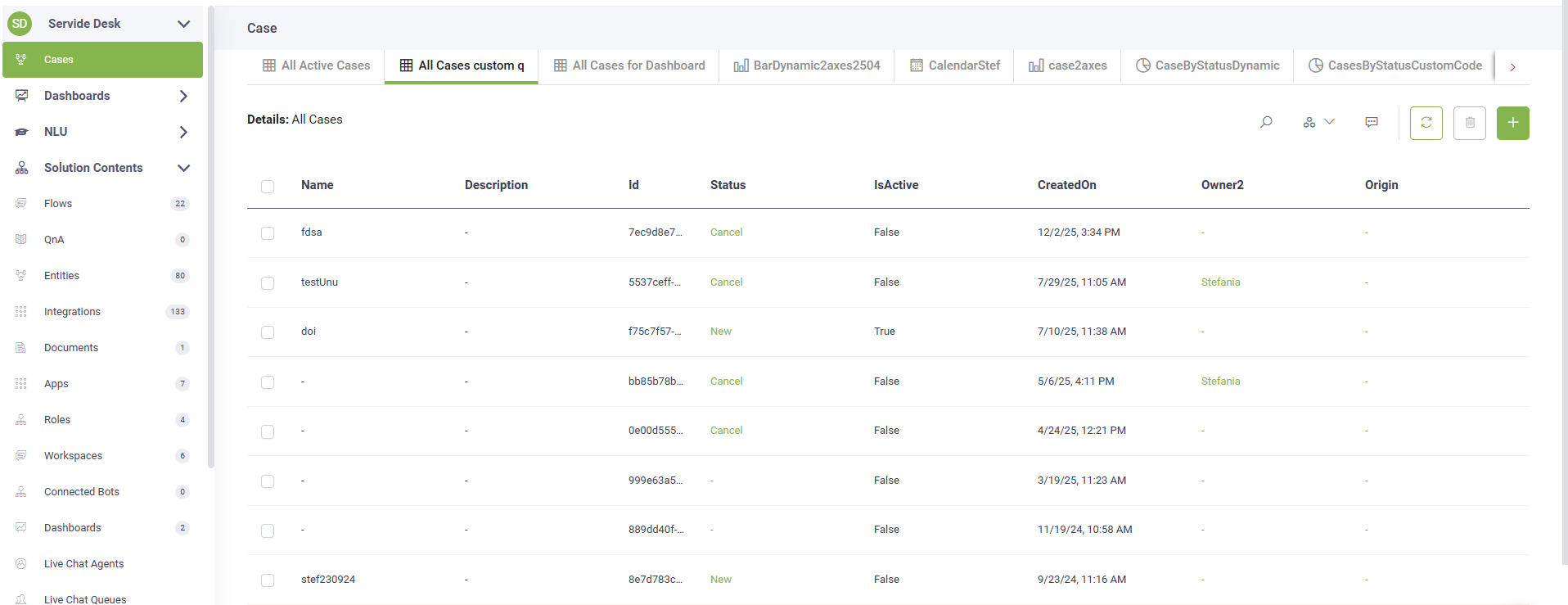


Bug Fixes
- Data Service - Upsert Entity Response Count. Fixed an issue where the updatedCount value in the Response task did not accurately reflect the number of records updated during an Upsert operation. The counter now correctly reports the actual number of records that were updated in the database.
- Parent flows cloning. Cloning a parent flow now correctly includes all associated child flows, preserving the full parent-child structure. Previously, only the parent flow was cloned, leaving child flows missing and requiring manual recreation.
- Video Tag Rendering Fixed. Fixed an issue where HTML
<video>tags were not rendering in AI Agent flow steps. Videos now display correctly. - Currency Field Display in Web views. Resolved an issue where the Currency type field was not displaying correctly at runtime in webviews. The field now shows the proper format and value.
- Conversation Trace - Integration Error Messages. Fixed error message positioning in conversation trace. Integration errors now display under their parent step for better context and easier debugging.
- Data Service - JArray & JObject Display. Fixed an issue where fields of type JArray and JObject were displaying as "[object Object]" instead of showing their actual JSON content in web views and forms. These fields now correctly render their structured data in a readable format.
- Knowledge Base: Search by text. Fixed issues where selecting a search result did not navigate to or highlight the correct Q&A pair in both structured and unstructured data sources, and optimized search processing to avoid redundant backend calls.